Architecture Principle · 05 of 9
Feature Toggles
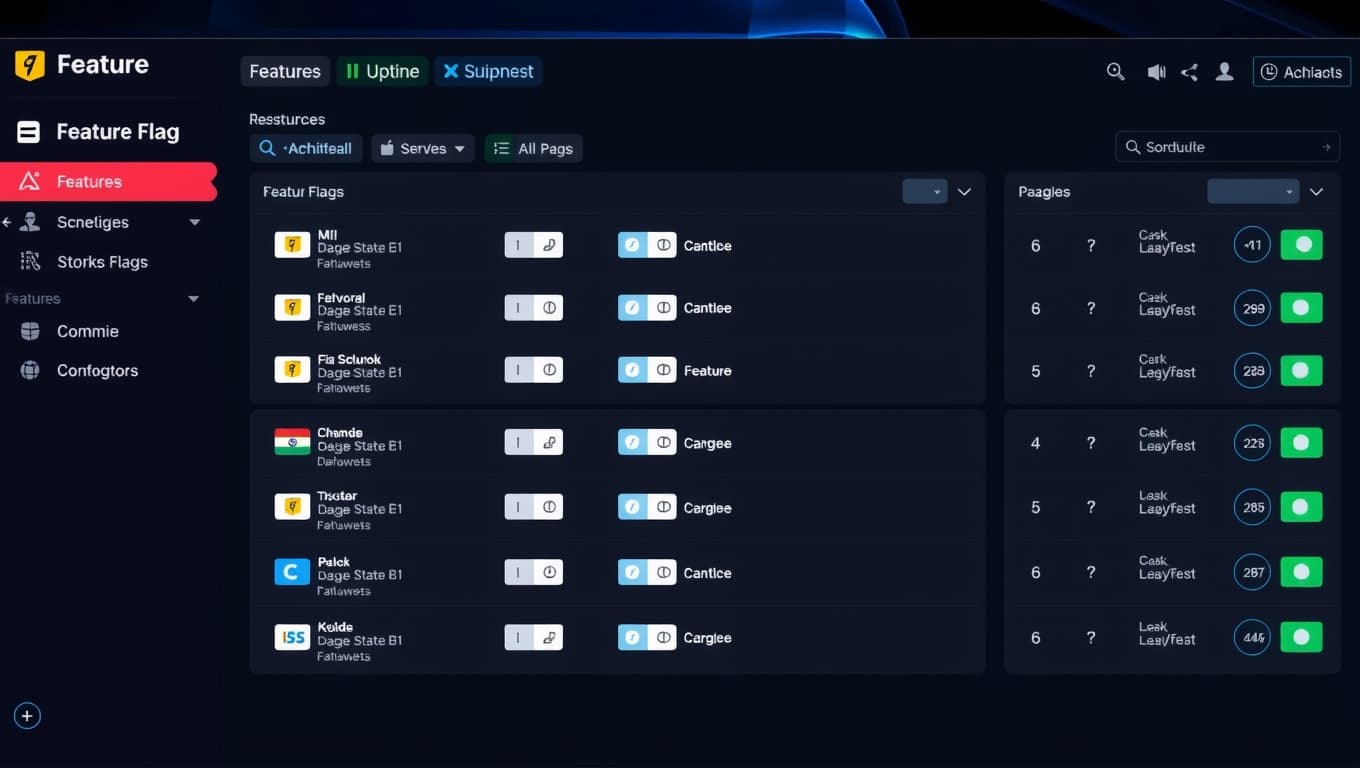
Toggles control every feature independently, per company and per role. Roll out new functionality to one mill before all five. Disable a problematic feature in 10 seconds without a code deploy.
What this means
In practice.
Activate new modules or features per company without code deploys
Gradual rollout: enable a feature for 10% of users, watch metrics, then ramp up
Emergency shutoff: kill a bad feature in seconds without rollback
Per-role and per-company targeting — fine-grained control
How it works
Under the hood.
Toggle registry
Every feature gets a toggle name. Code checks 'if (toggle.enabled(name, context))' before executing.
Admin UI
Toggle state managed in Administration module. Changes audit-logged.
Context evaluation
Toggle decisions evaluated per-request with user + company + role context. Decisions cached for performance.
Kill switch
Critical toggles can be flipped globally in <10s without deploy. For dead-code scenarios.
Visual
Same architecture, same code, same data model. Just more nodes.
Real-World Example
Real-world: Beta feature rolled out safely
Before
New AI-assisted quotation pricing feature ready for testing. Risky to enable for all customers.
After
Enabled for 2 pilot mills via toggle. Monitored for 2 weeks. No issues. Ramped to 100% over the next month. One mill that had issues got toggle disabled in 30 seconds while we investigated.

Ready to modernize your mill?
See Papyrus BPApp
in your mill.
Book a personalized demo. We'll walk through every module relevant to your operation — from Deckle optimization to GSTR-3B compliance.