Architecture Principle · 07 of 9
Configurable Workflows
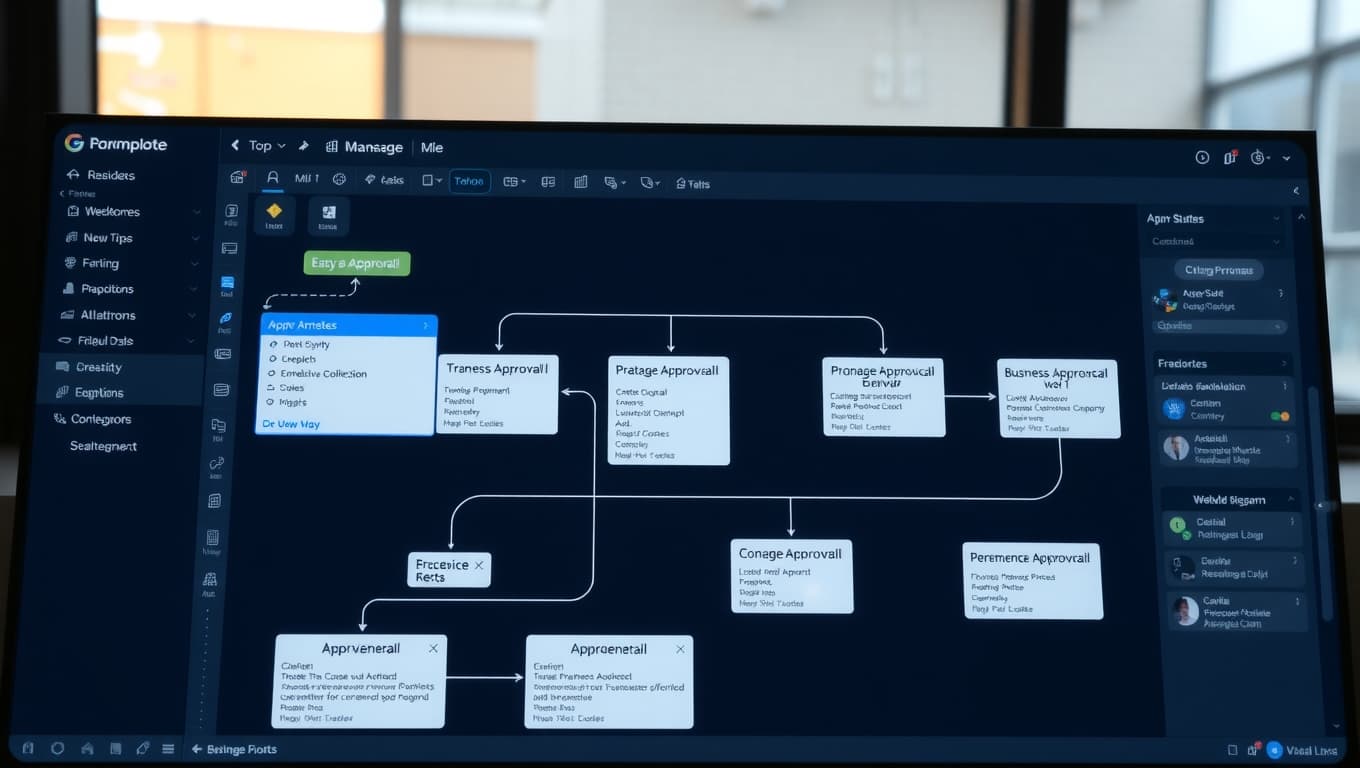
Business logic lives in configuration, not code. Approval thresholds, escalation paths, email templates, and workflow rules change with a UI edit — not a code deploy.
What this means
In practice.
Approval matrix changes via admin UI — no developer time
Email templates editable with Handlebars variables and preview
Workflow steps reorderable, addable, removable per company
Versioned configuration — rollback if a change breaks something
How it works
Under the hood.
Rule engine
Workflow steps defined in configuration database. Engine executes steps in order, evaluating conditions per step.
Template engine
Email and document templates use Handlebars. Variables auto-populated from workflow context.
Version control
Every configuration change creates new version. Rollback restores previous version + invalidates active runs.
Audit + preview
Changes audit-logged. Preview mode lets admins test changes before activating.
Visual
Real-World Example
Real-world: Approval threshold changed at 4 PM
Before
Finance team needed to raise the auto-approval limit from ₹5L to ₹10L due to new policy. Engineering ticket would have taken 2-3 days.
After
Admin changed config at 4 PM. Tested with sample order at 4:05 PM. Live for all users at 4:10 PM. Audit log shows who made the change and why.

Ready to modernize your mill?
See Papyrus BPApp
in your mill.
Book a personalized demo. We'll walk through every module relevant to your operation — from Deckle optimization to GSTR-3B compliance.